How it works Client experience Why Projunity Login Get early access
Built for people who make creative work for clients

Creative work has a lot of moving parts. They should all live in one place.

The project, the people on it, the deliverables, what the client thinks, whether it’s approved, whether you’ve been paid — Projunity keeps those connected to the work instead of scattered across six unrelated tools. Built for creative businesses, and deliberately simpler than project-management software.

Projunity launches October 1, 2026. Join the early-access list now.

One project. One platform.

The whole job on one side. The part that’s theirs on the other.

You run

  • Opportunities & clients
  • Projects, tasks & calendar
  • Deliverables & versions
  • Team, collaborators & files
  • Review, markup & approvals
  • Invoices & payments

Your clients get the same project, the part that’s theirs

  • Their projects & deliverables
  • Review, markup & approval
  • Project messaging
  • Easy invoice payments

Your name. Your logo. Your brand.

Right now, one project lives in too many different places.

The brief arrives by email. The assets sit in a shared drive. Status lives in a spreadsheet only you can read. Feedback happens on a review link. The scheduling conversation is in a messaging app. The invoice is somewhere else entirely. Nothing is lost, exactly — it’s just that no single place knows what’s going on.

Email threads
Shared drives
Spreadsheets
Messaging apps
Review links
Project software
One place for the whole project Work · People · Feedback · Approvals · Invoices

You end up holding the project together by memory. And your client, on the other side of it, is doing the same thing — which is the part they remember.
Creative work already has a path. Projunity follows it.

Most creative work follows a familiar path: new work becomes a project, the work gets made, the client weighs in, it gets approved, and it gets paid for. Projunity keeps the files, conversations and people connected along the way.

  1. New Work
  2. Project
  3. Team
  4. Deliverables
  5. Review Your client
  6. Approval Your client
  7. Invoice
  8. Paid Your client

That’s the whole model. Everything else — tasks, versions, uploads, the calendar, collaborators, your branding — hangs off a step on that line, so you never have to go looking for the thing that belongs to the thing.

The whole job, in one place.

Not a wall of modules to switch on. Six things a creative business actually needs, already connected to each other because they’re all connected to the same work.

Clients & projects

Every client, every project they’ve given you, and the opportunity it started as — with the history still attached.

Deliverables & versions

The things you’re making, stacked in version order. Nothing overwritten, and never a question of which cut is current.

Review & approvals

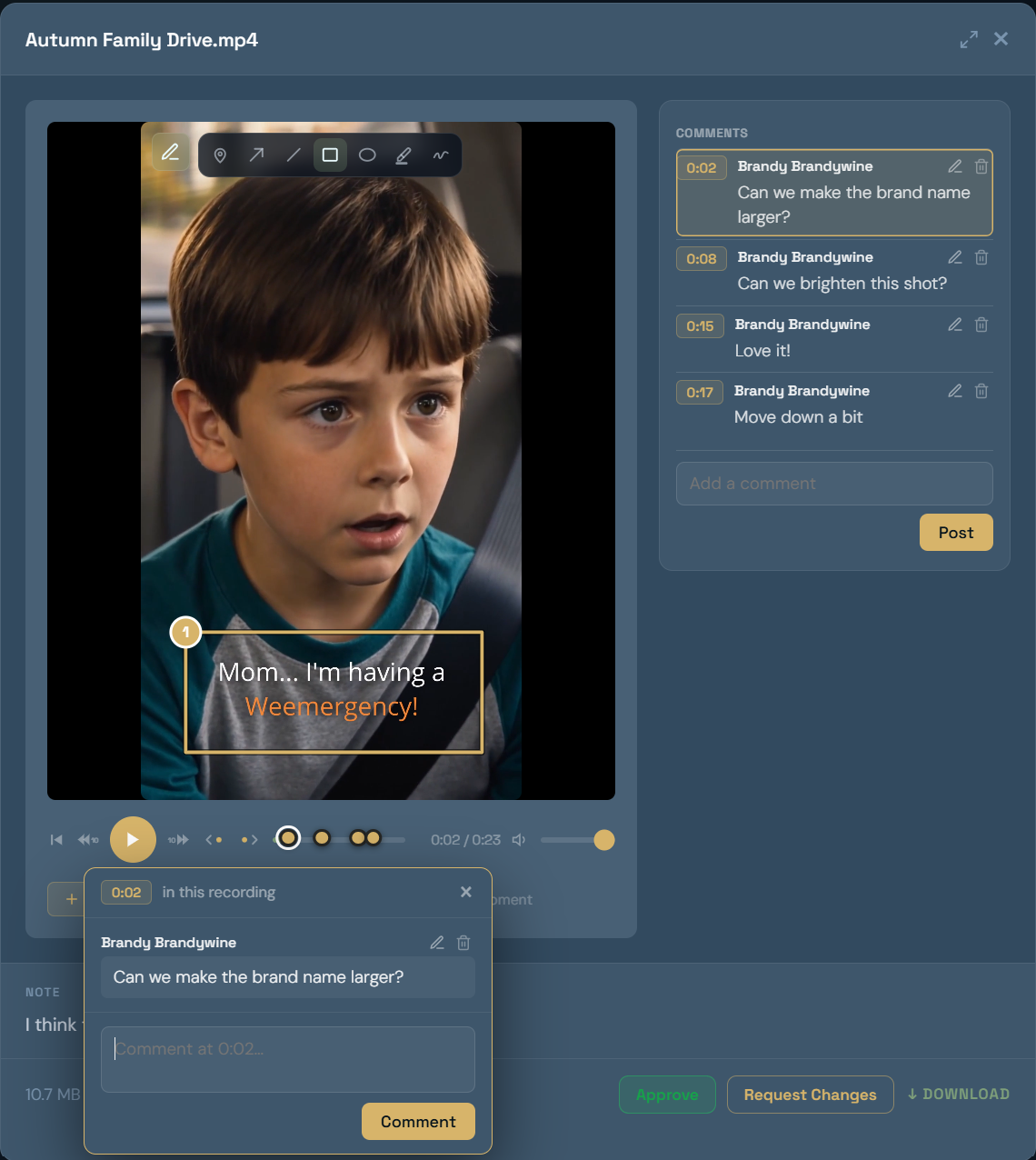
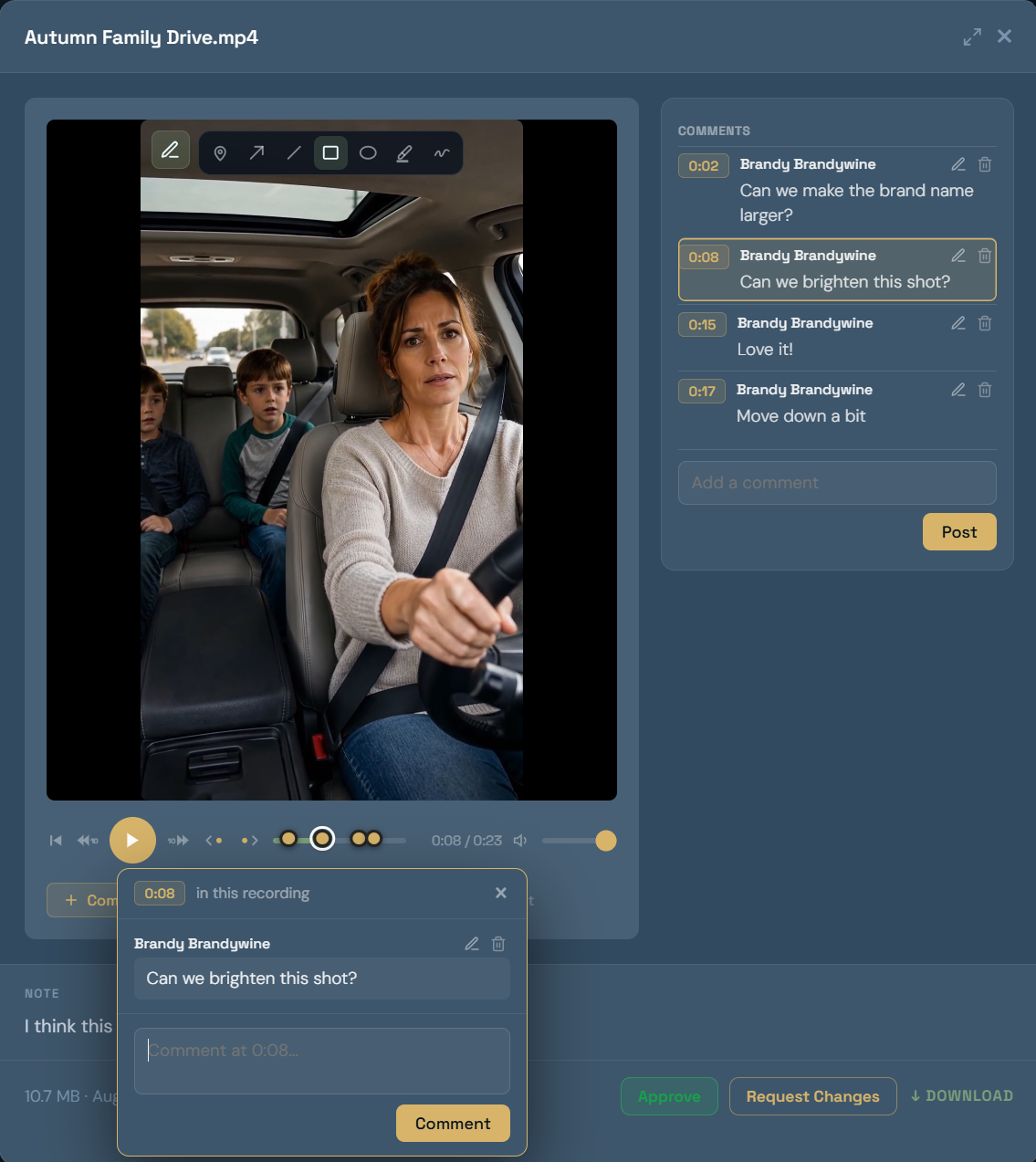
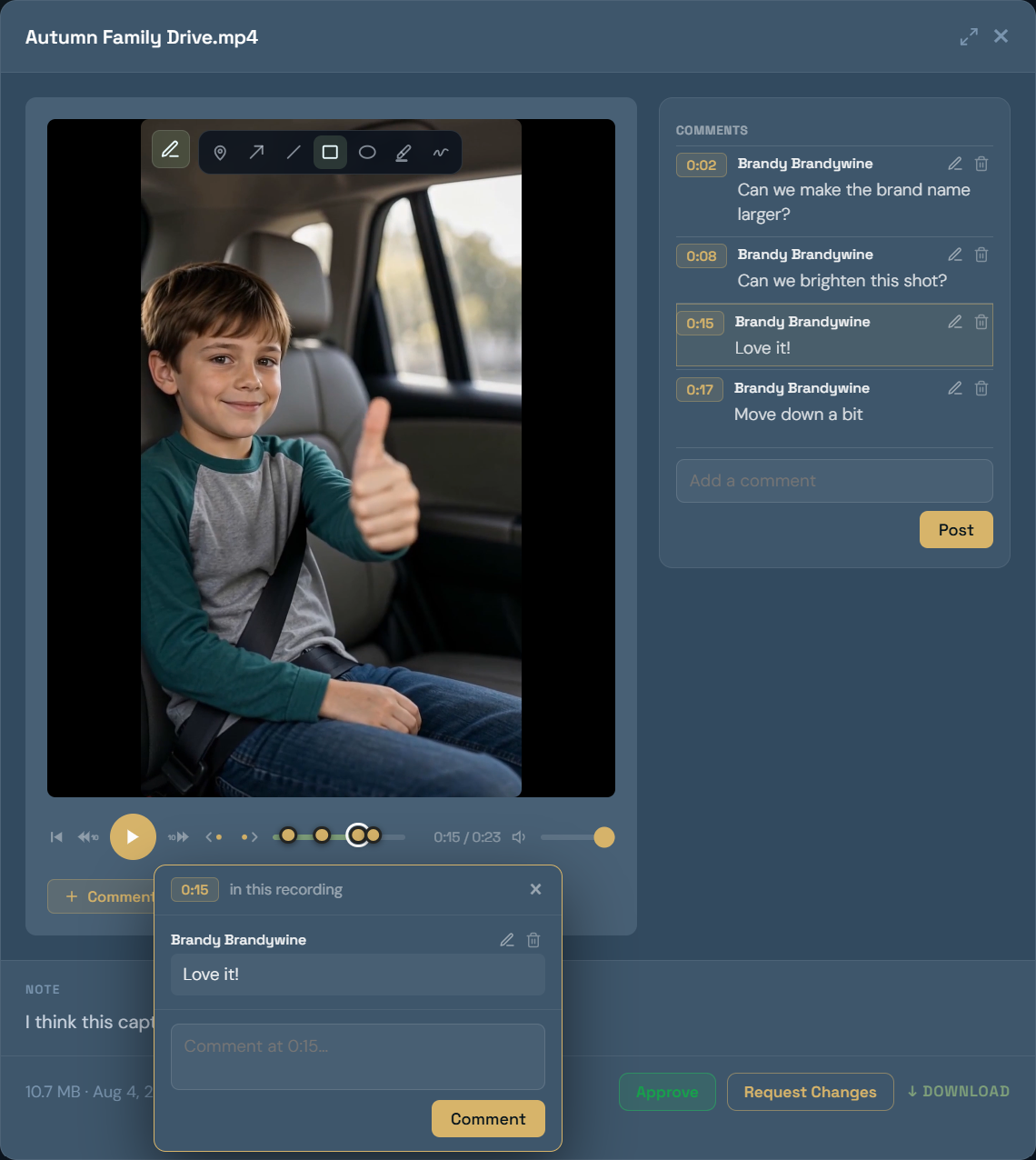
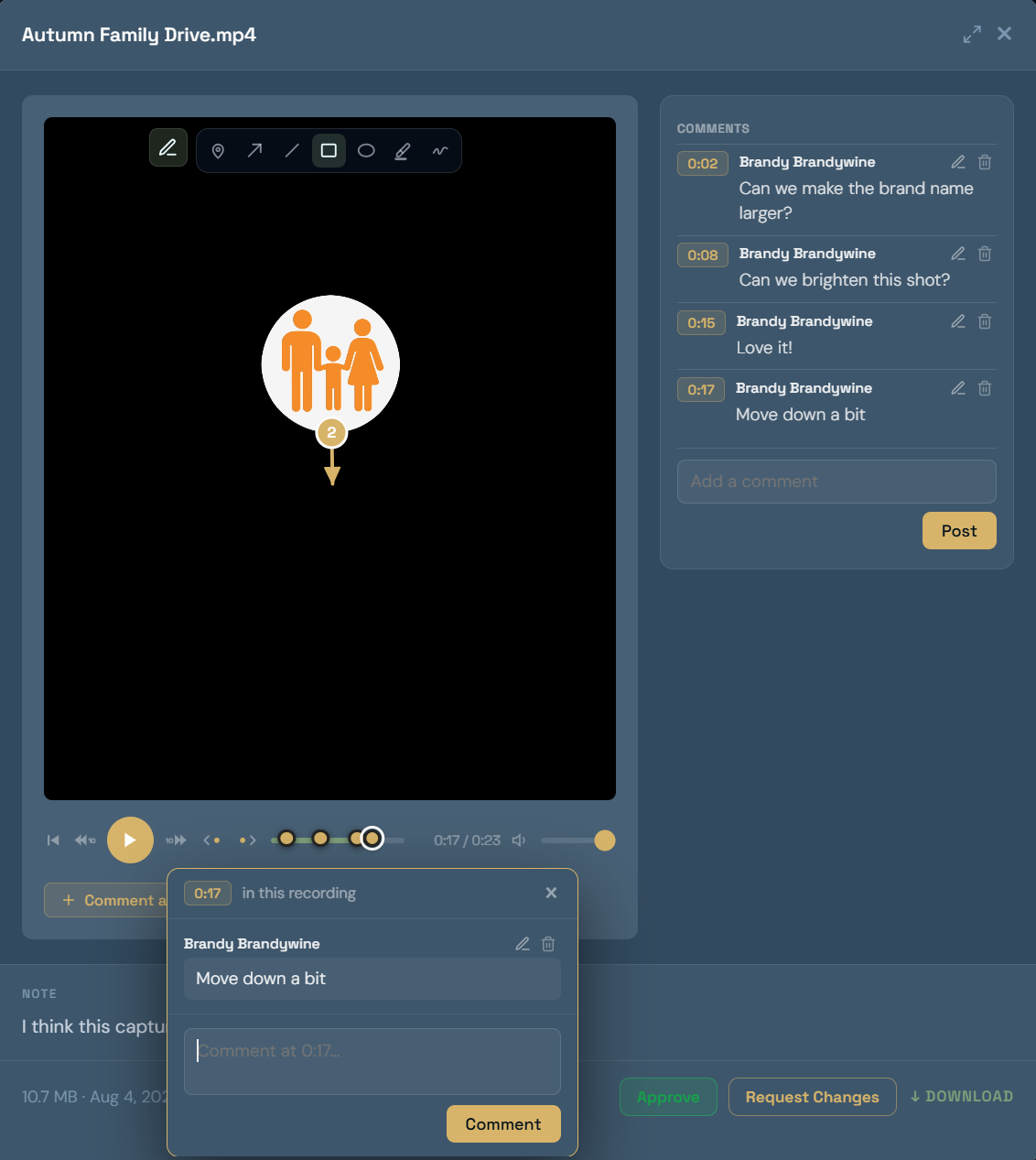
Feedback lands on the exact frame, page or file it’s about, and sign-off leaves a timestamped record of who approved what.

Team & collaborators

The people on a project — staff, freelancers, partners — with each one seeing the part of it that’s theirs.

Conversations & files

Messages and assets stay attached to the project, so context doesn’t end up in somebody’s inbox or a shared drive.

Invoices & payments

Raise an invoice against the work it covers and let the client pay it in the same place they approved it.

They see the work. Not the machinery.

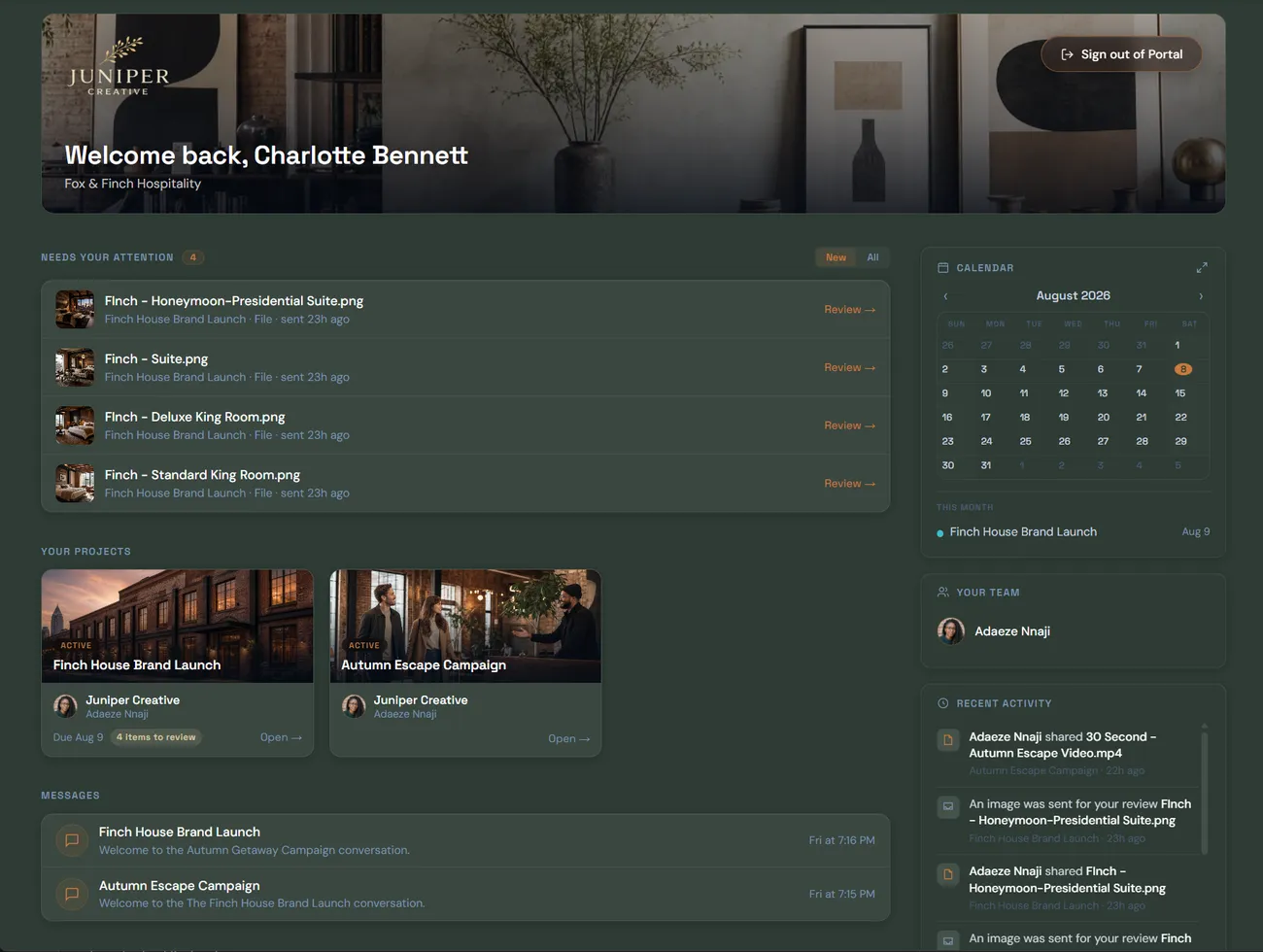
You run the project in Projunity. Your client gets a clean, branded view of the part that belongs to them — and nothing else. No internal production thread, no working files, no collaborators, no sign of your other clients.

Everything they need, and nothing they don’t.

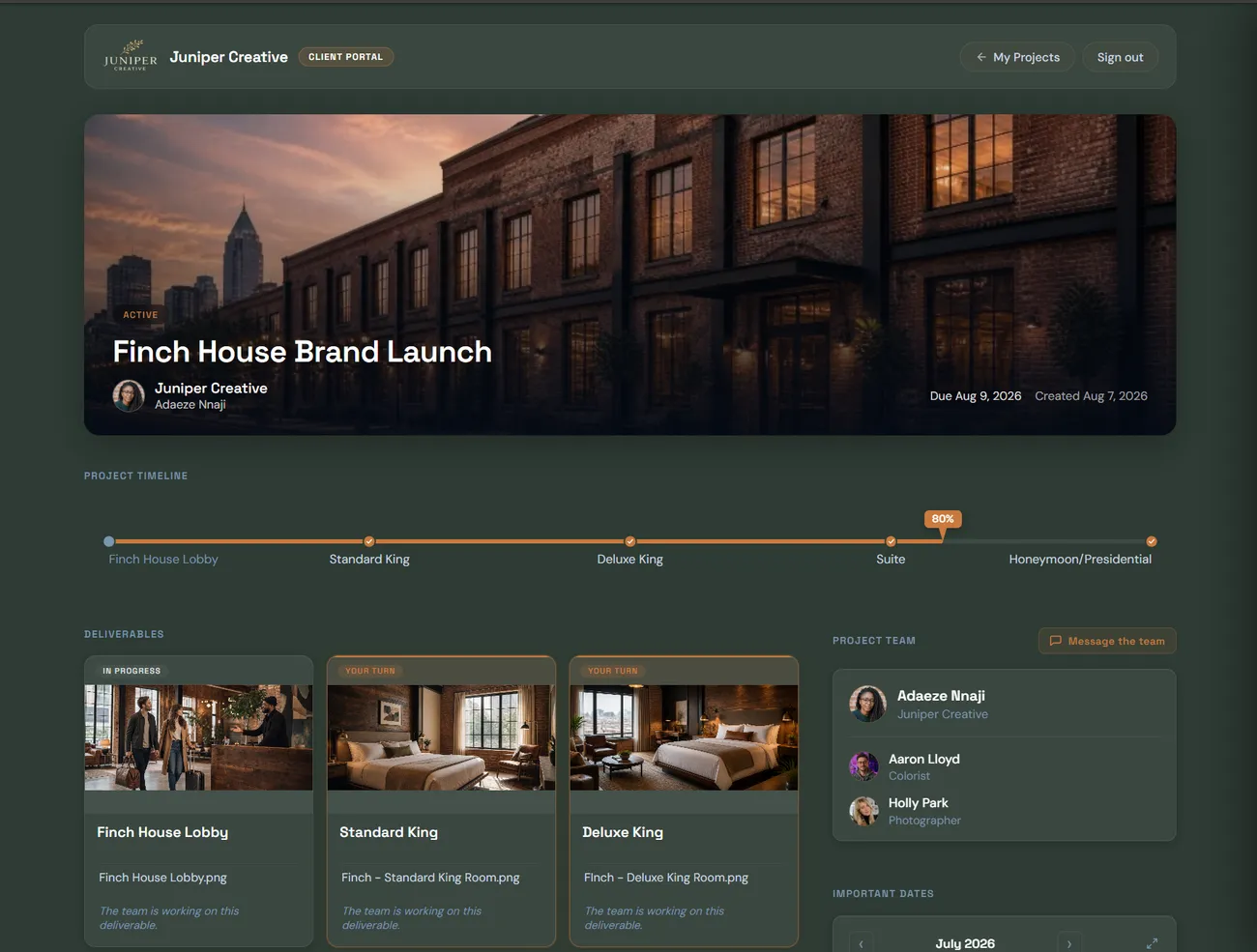
A client opens their project and finds the work laid out plainly: what’s been delivered, which version is current, where it stands, what’s waiting on them. No pile of links and attachments, and no hunting back through an email thread to check they’ve got the right file.

  • Their projects and deliverables, always on the current version
  • A clear read on what’s done, what’s in progress and what needs them
  • One link to open — nothing to install, no workflow to learn

Your client

  1. Open project
  2. See the work
  3. Leave feedback
  4. Approve

That’s the whole thing.

It doesn’t look like our software. It looks like you.

Your client never lands in a generic tool with somebody else’s logo on it. The space carries your name, your mark and your colors, so it reads as part of the business they hired — and inside it they can do everything the work actually asks of them, without leaving.

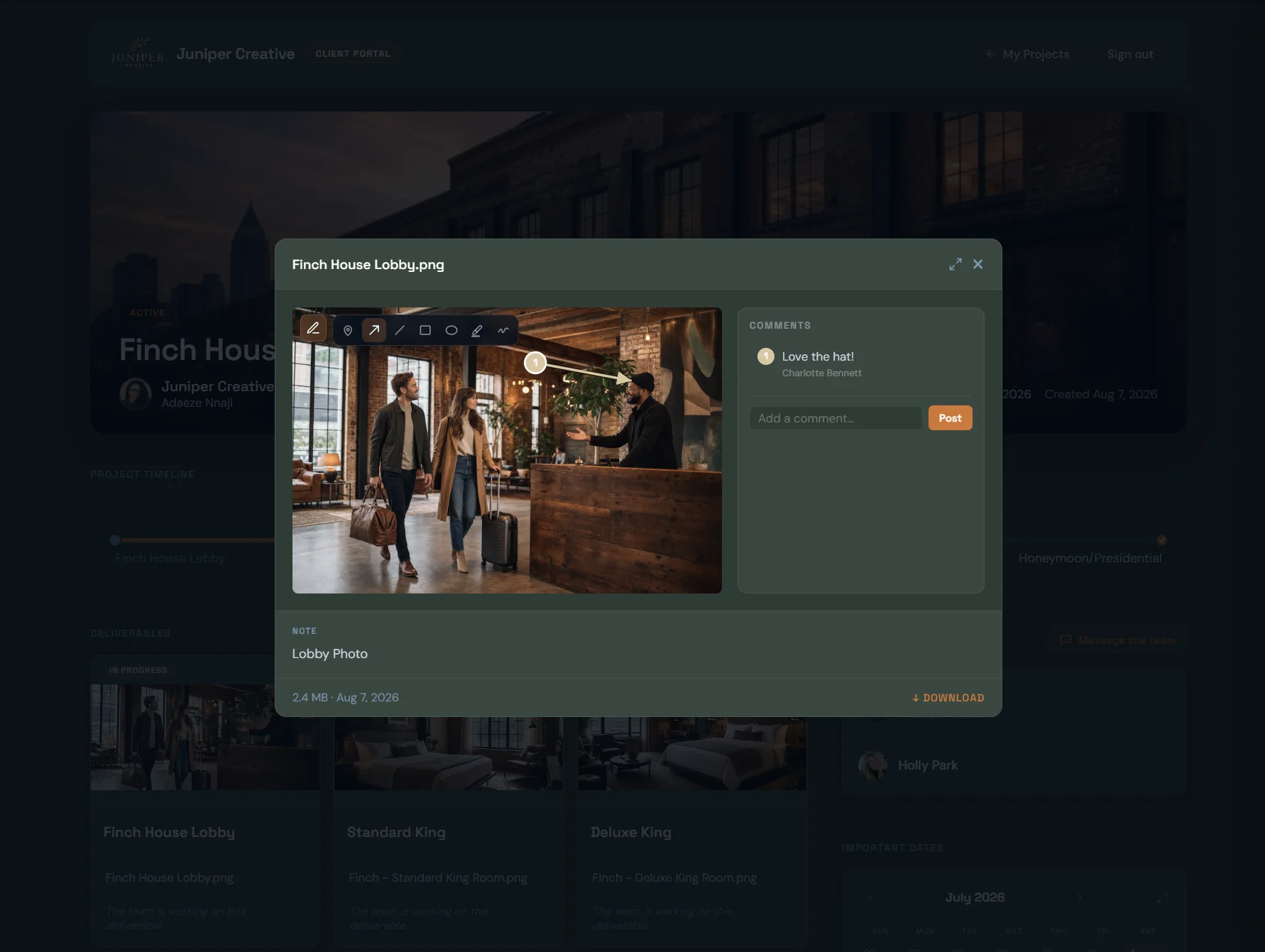
  • Open a deliverable and mark up the proof
  • Approve it, or ask for a change, with the record kept
  • Message you about it, on the thing they’re looking at
  • Pay the invoice in the same place they approved the work
Sign-off recorded
Feedback left on the proof

Your client doesn’t go somewhere else. They go further in.

Put Client login and Send us your files in your own site’s navigation. Both open into Projunity wearing your branding — one into the client’s projects, the other into an intake page anyone can drop files and a brief into, whether they’re a client yet or not.

Your visitor Your website Client login Send us your files Your Projunity Your visitor Your website Client login Send us your files Your Projunity

Everything stays connected to the work.

A note about the third cut should live on the third cut — not in an email from last Tuesday. Your client marks up the frame, the page, the moment in the timeline; the note stays pinned there, the reply stays with it, and the version it was resolved in is recorded. Nothing floats off into a separate app to be re-found later.

  • Markup and feedback pinned to the exact file and moment
  • Versions stacked in order, with nothing overwritten
  • Approved or changes requested, with a timestamped record
  • The full history of a project, in one findable place

Not another generic project management tool.

There’s nothing wrong with Asana, monday.com or ClickUp. They’re built to help organizations manage work across teams — who’s doing what, what depends on what, where resources are going, and how work rolls up for management. Projunity starts somewhere different: with the client work itself. What are we making? Who’s involved? What did the client say? Is it approved? Did we get paid?

Shaped around the questions you actually ask

What are we making? Who’s on it? Where’s the current version? What did the client say? Is it approved? Did we get paid? Projunity is organized around those, which is why you can open it and see where a job stands without assembling a view first.

Manage the work, not the management software

No workflow to design before the first project. No dependency graph, no resource model, no custom fields to maintain forever. Creative businesses that adopt heavy tools can end up spending too much time managing the software itself. Projunity is deliberately simpler, so there’s less to set up, less to maintain, and less to manage.

People who make creative work for clients.

One designer with three clients. A production company with a floor of edit bays. A branding studio, a photographer, a marketing shop, a room full of microphones, a team that does a bit of all of it.

The businesses look nothing alike. The work has the same shape in every one of them: something gets made, a client weighs in, it gets approved, it gets paid for. That’s the part Projunity is for.

Projunity launches October 1, 2026.

It’s built, and we’re finishing it. Leave your name and email, and we’ll let you know the day it opens.

First name is required.

A valid email address is required.

Please pick one.

Something went wrong. Please try again or check back soon.

We’ll email you when Projunity opens, and occasionally before then if there’s something genuinely worth telling you. Nothing else, and you can leave the list at any time.